
Buildings can be created and maintained from the dashboard.
Home > System > Buildings
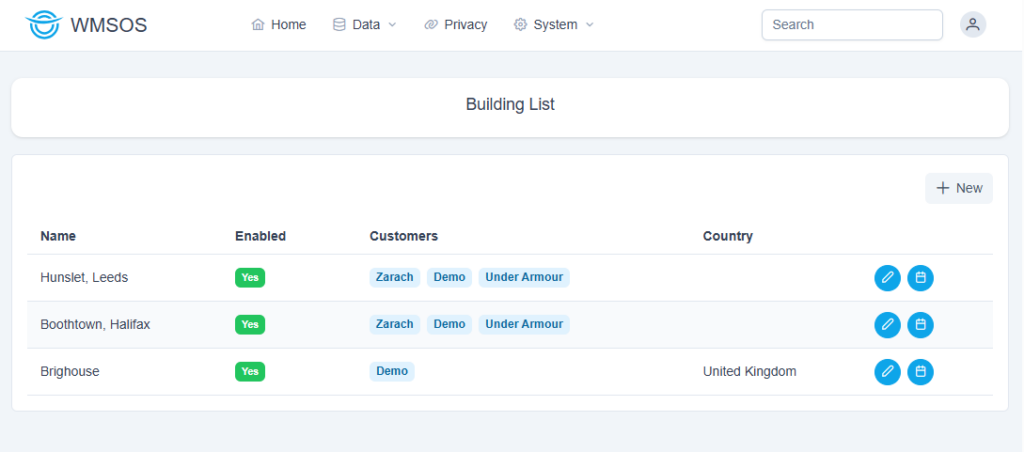
From here you can click the New button to add a building:
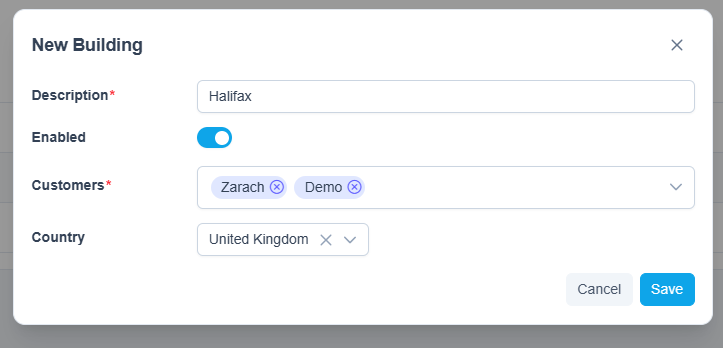
The building must be assigned a description and can be configured to one or multiple customers.
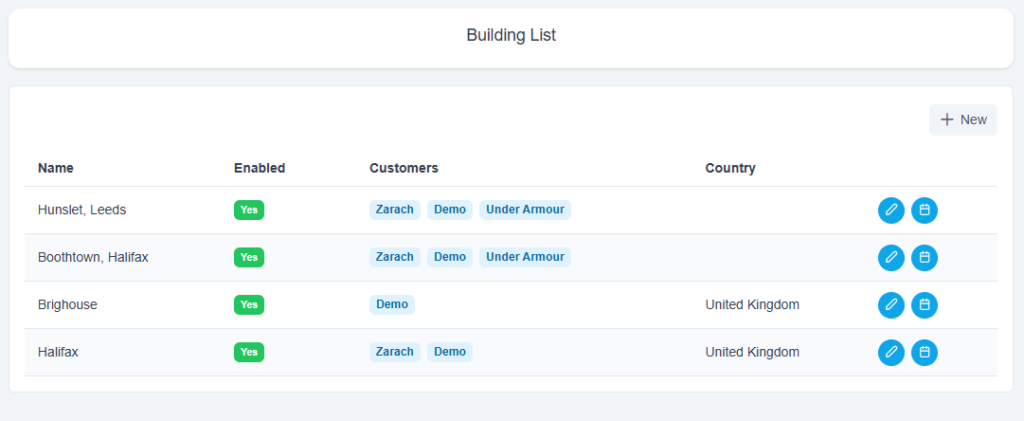
Once the building has been saved it will appear on the Building List:
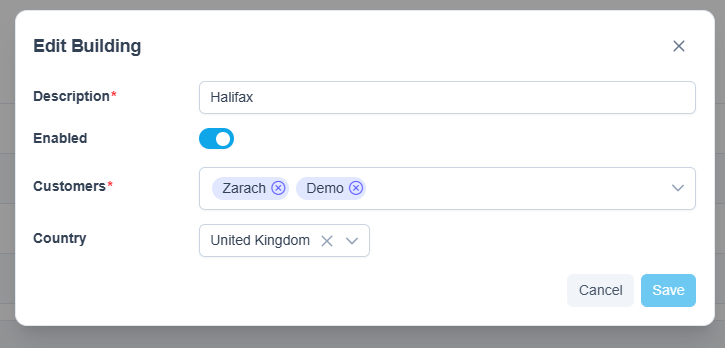
Should you need to edit the building use the edit button on the right
Buildings can also be set up with booking slots. To do this use the button:

from the Building List to view the setup screen:
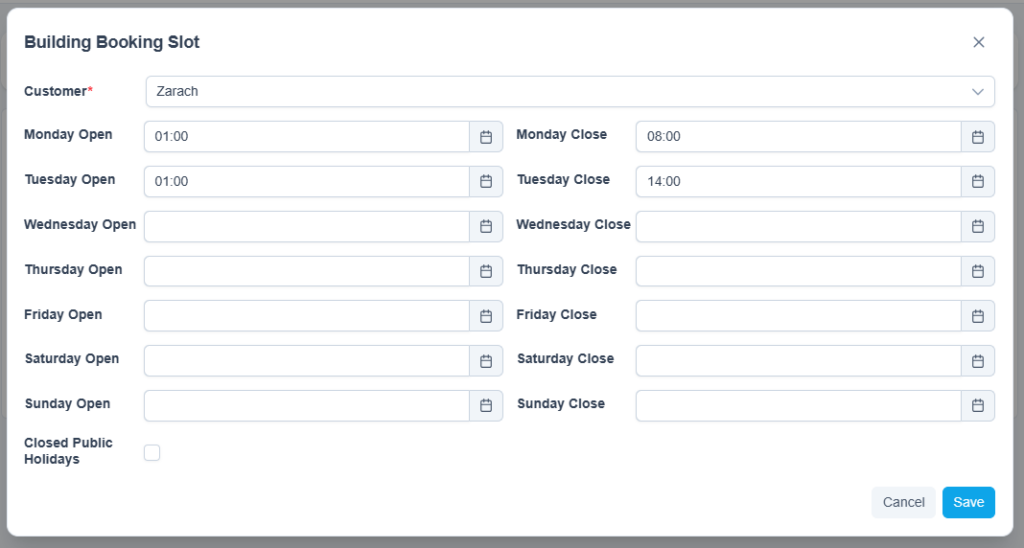
You can also set the building to be closed on public holidays using the checkbox at the bottom.