
Follow these steps to successfully goods receive and ASN
Preconditions:
- Must have at least 1 ASN booked in
- Must be logged into the device
- Prepare a receipt location and have the barcode ready to scan e.g. ZL1-ZLR1-2-2
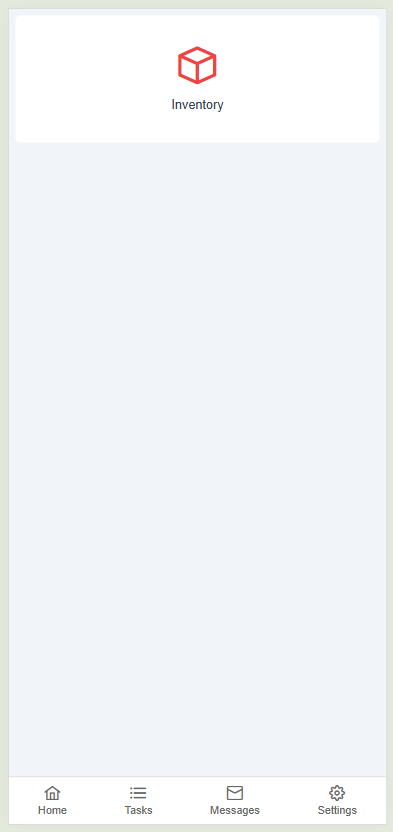
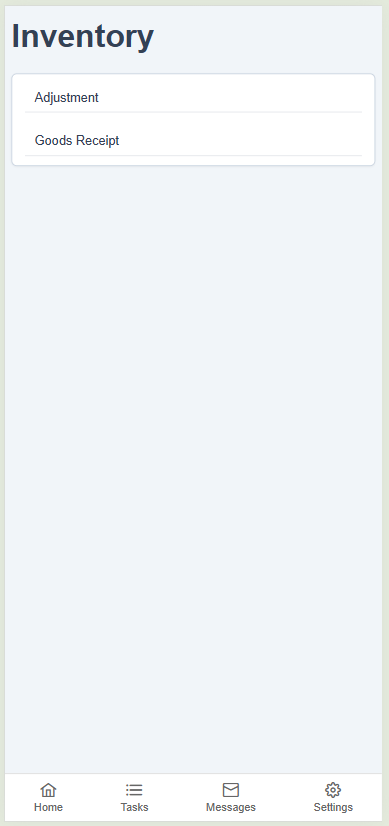
Navigate to the Inventory section and select Goods Receipt
Select the customer then the ASN list should be displayed:
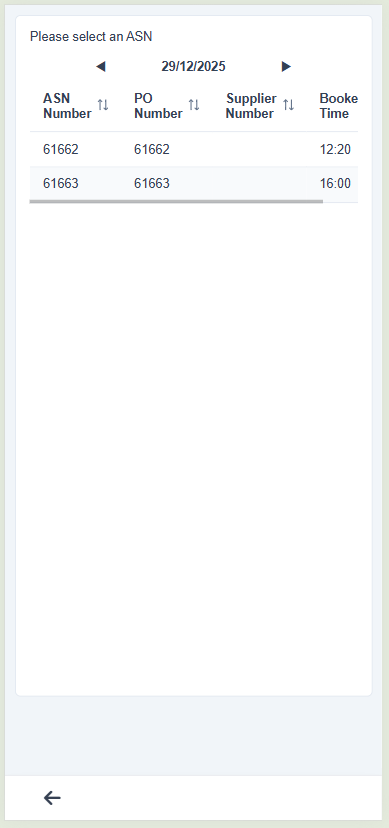
Having checked the details are correct, select the ASN to reveal the SKU list:
Confirm the details are correct and select the SKU
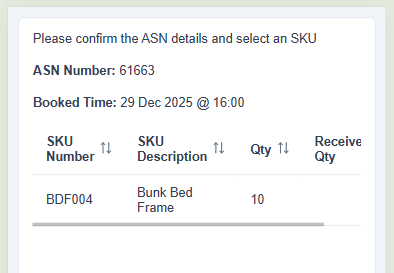
Enter the Receipt Quantity and click Next
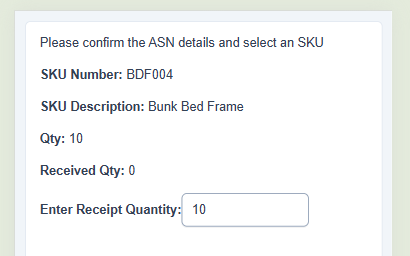
Now you will be prompted to scan your Receipt Location:
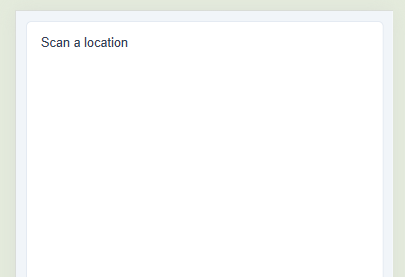
Once you have scanned the location barcode you must confirm the details are correct:
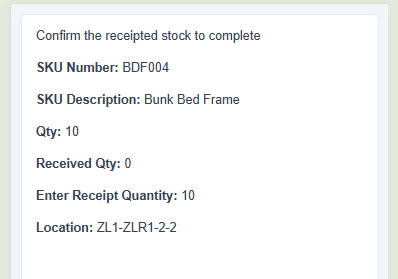
Once you click next you will be shown a confirmation message:
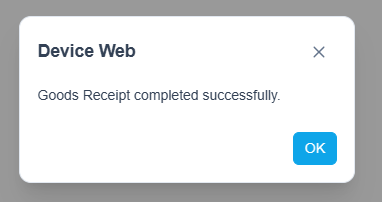
You will then be taken back to the Please select an ASN screen to repeat the process as required.