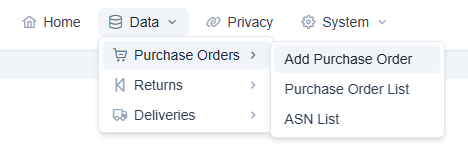
Select the “Add Purchase Order” option from the main menu to get started:
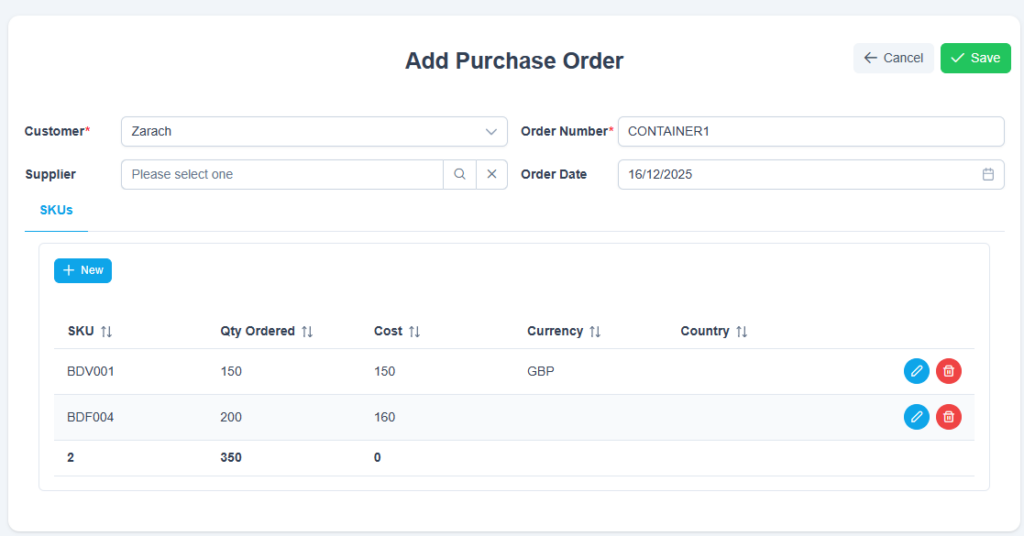
Select your customer and enter a unique order number for the order you want to create:

Click “+ New” for the SKUs section to add at least one SKU:

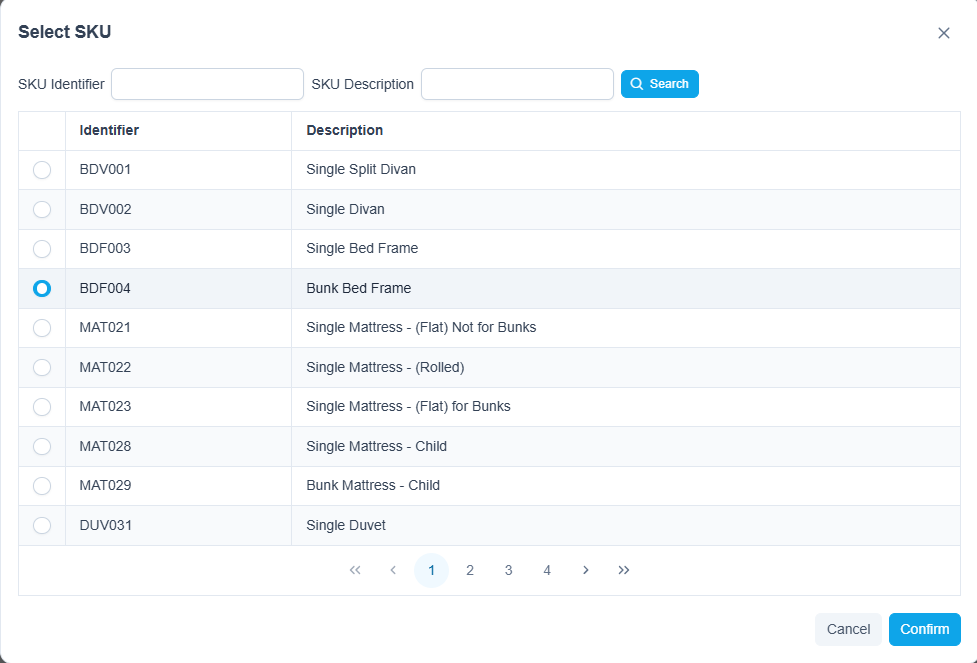
You will need to select a SKU using the SKU selection option. Click the magnifying glass to open this:
Search and / or select a SKU then click confirm to add:
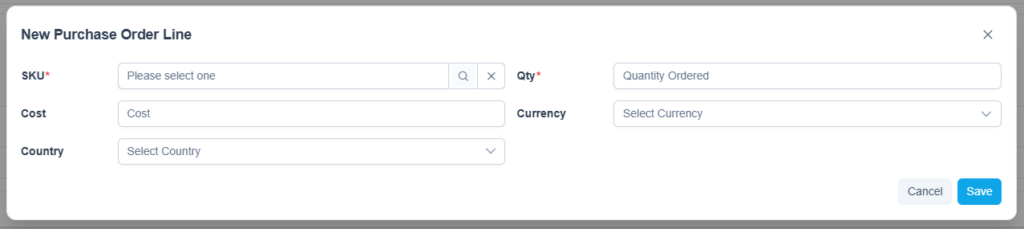
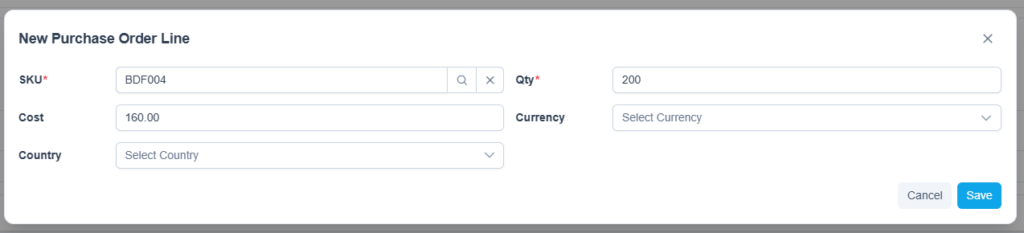
As a minimum, you need to enter a qty. All other fields are optional:
Once you have added the SKU lines you need, click “Save” to create the order: